EA Sports FC 26 server errors? Here is how to fix them!
- Date:
- 29 August 2026
- Read time:
- 2 min
Getting an error in EA FC 27 is always a major headache. One of the most common errors is the 'Unable to connect to EA server' issue. We are here to go over the major EA Sports FC 27 server errors and how to fix them.
First of all, we'd like to emphasize that most errors are actually on the users' side, and not on EA's side. Obviously, there are things we won't go over, like a loose Ethernet cable or an unstable internet connection. We are going over the more difficult solutions. If you, however, do experience problems like the aforementioned, we recommend contacting your ISP.
Moreover, for competitive gaming, a stable wired connection is of utmost importance. Wireless connections are fairly unreliable and more susceptible to interference. If you do not have any other options, make sure the connectivity is solid. You can achieve this by placing a wireless access point close to your PS5 or Xbox and ensuring nothing is in the way between you and the access point.
Fix the "unable to connect to EA server" in EA FC 27
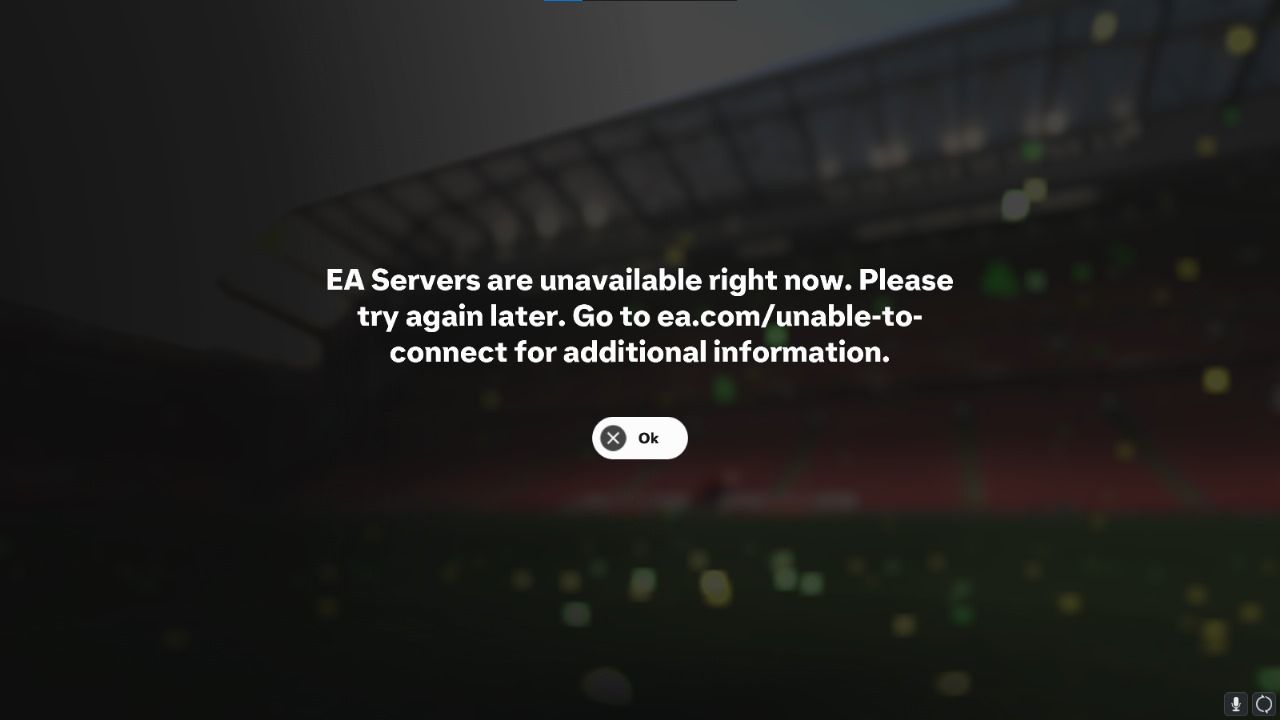
Determine if the EA Sports FC 27 servers are online
You can check the EA Sports FC 27 server status on EA's official website. When checking the status, make sure you choose the correct platform. Sometimes an outage is specific to a certain console and network. If the EA servers are down, there is nothing else to do but wait and keep an eye on the official EA channels through social media.
Restart your console and router/modem
Sometimes the best solution is also the easiest. We recommend always resetting every possible device within your pipeline, which will mainly be the console, router, and modem (or router/modem combo). We recommend leaving your modem and router turned off for at least 30 seconds to a minute.
How to fix EA FC 27 account problems?
Maybe your EA FC 27 account has been compromised, and whoever is using it has done something that goes against the terms and services of EA. What do you do then? The easiest way forward would be to directly contact EA Support. The helpdesk should be able to quickly prevent access to your account and reinstate your account after you have been identified as the account owner, of course.